Zoho Projects in 2026: A Practical Guide for Growing Teams
 Thiyaana Vidanaarachchi
Sep 08, 2026
Thiyaana Vidanaarachchi
Sep 08, 2026
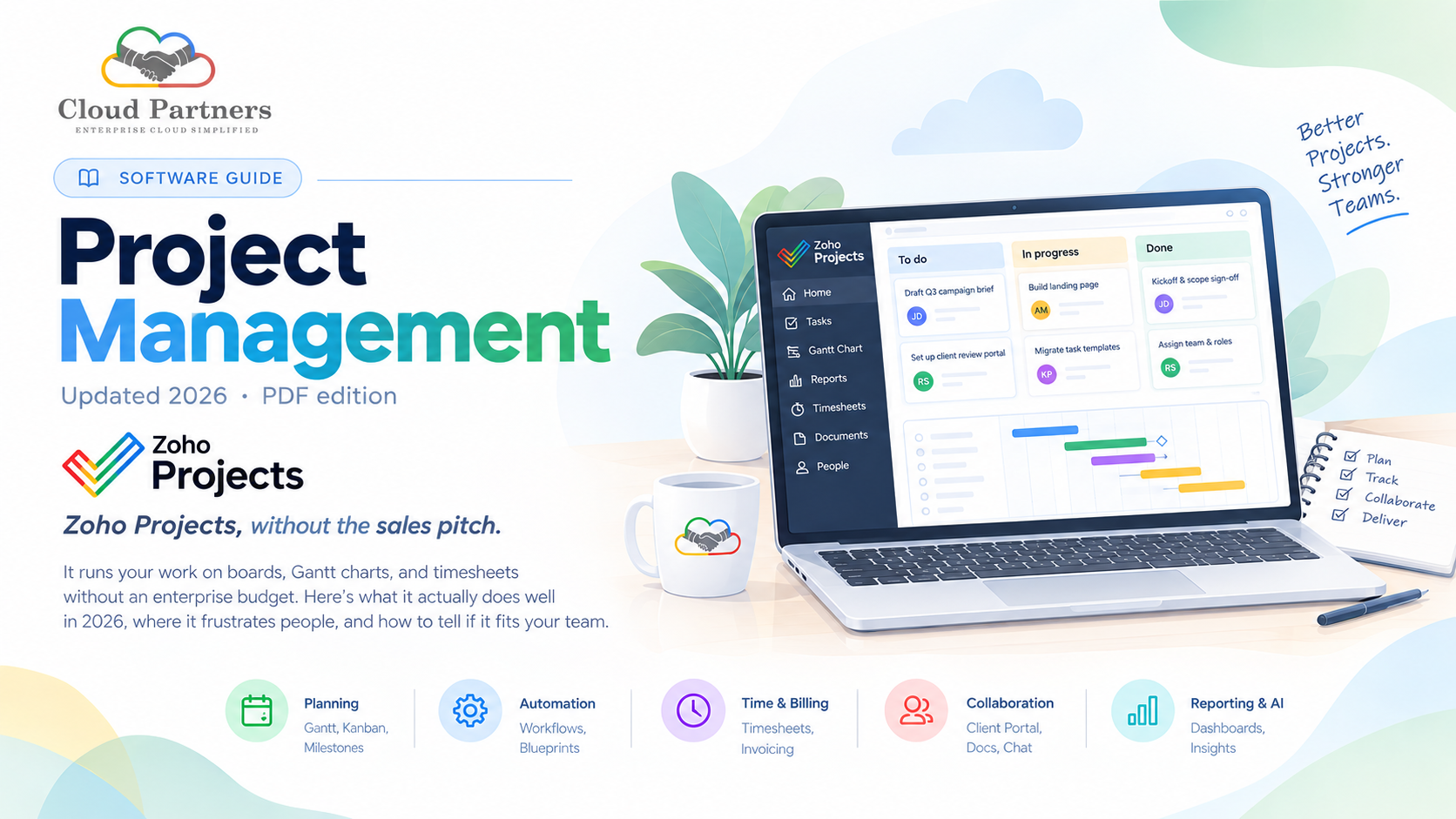
Zoho Projects, without the sales pitch
It runs your work on boards, Gantt charts, and timesheets without an enterprise budget. Here's what it actually does well in 2026, where it frustrates people, and how to tell if it fits your team.
example:
Most project tools ask you to choose between cheap and capable. Zoho Projects is interesting because it mostly refuses to.
Launched back in 2006 and built by the same company behind Zoho CRM and the wider Zoho One suite, Zoho Projects has quietly become a favourite of small and mid-sized teams that want real project management - Gantt charts, automation, time tracking, reporting - without paying enterprise prices. PCMag has named it an Editors' Choice for growing teams, and it holds solid marks across review sites.
What users actually score it:
That combination is the whole story. But "affordable and capable" only matters if the capabilities match how you work. So let's look at what's under the hood.
Five things it's built to do
The core of day-to-day life in Zoho Projects.
Plan the work, then see it
Break projects into tasks, subtasks, and milestones, then visualize the whole thing as a Gantt chart, Kanban board, or list. Dependencies keep the timeline honest when dates shift.
- Tasks, subtasks & milestones
- Interactive Gantt charts with dependencies
- Kanban boards & list views
- Task dependencies and critical path
- Reusable project templates
Stop doing the boring parts
Blueprint and workflow rules turn your process into something the tool enforces - statuses advance automatically, fields stay required, and routine hand-offs fire without anyone remembering to click.
- Blueprint process automation
- If-this-then-that workflow rules
- Automatic task assignment & alerts
- Custom statuses and fields
- Higher automation limits on upper tiers
Track hours, bill accurately
Log time against tasks manually or with timers, then turn timesheets into billable reports. Native links to Zoho Books mean hours can flow straight into an invoice.
- Timers and manual time logs
- Billable vs non-billable tracking
- Timesheet reports for payroll
- Budgets and planned-vs-actual
- Invoicing via Zoho Books
Keep everyone in one thread
Comments, feeds, and document sharing keep conversation attached to the work. A client portal lets outside stakeholders follow progress without a paid seat - unusual at this price.
- Task comments & activity feeds
- Client portal for external stakeholders
- Document sharing (with size limits)
- Chat and forum spaces
- Teams & Slack notifications
See status, ask questions
Dashboards consolidate project health, resource use, and progress. On paid tiers, Zia adds AI-driven search, insights, and content help - with the deepest capabilities reserved for higher plans.
- Status, progress & resource reports
- Custom reports and dashboards
- Zia AI search (Enterprise+)
- AI insights & content generation
- Portfolio-level rollups
Where it gets genuinely powerful
Zoho Projects is good on its own, but its real leverage shows up when it's not on its own. Because it lives inside the Zoho suite, a project can pull deal data from Zoho CRM, push billable hours into Zoho Books for invoicing, and surface updates in Microsoft Teams or Slack - all without stitching together third-party connectors. Reviewers consistently rate those native integrations among the highest-value parts of the product.
Layered on top is Zia, Zoho's AI assistant. Across 2025 and 2026 Zoho pushed Zia well past a chatbot into agentic territory - content generation, analytic insights, natural-language search, and automation suggestions that watch how your team works and propose rules to handle the repetitive parts. On Zoho Projects it shows up as smarter search and insights on paid tiers; the deepest AI features sit higher up the plan ladder.
If your company already runs on Zoho, adding Projects is closer to switching on a feature than adopting a new tool. If it doesn't, weigh that pull carefully - the ecosystem is a benefit and a form of gravity.
Which tier fits your team
Four tiers, each unlocking more as you grow.
-
- A handful of projects
- Tasks & subtasks
- Basic views
- No AI or automation
-
- Unlimited projects
- Gantt & task automation
- Custom fields & views
- Time tracking & timesheets
- Client portal
-
- Everything in Premium
- User hierarchy & teams
- Zia AI search
- Advanced customization
- Portfolio dashboards
-
- Everything in Enterprise
- Highest automation limits
- More reports & templates
- Advanced analytics
Plans and their limits change and vary by region - check Zoho's site for current pricing and the exact features in each tier. The upgrades most teams feel are Free → Premium (that's where automation, Gantt, and the client portal unlock) and Premium → Enterprise (teams, hierarchy, and Zia search).
What reviewers love and what they don't
Strengths
-
- Hard to beat on value for what you get
- Deep, native ties to CRM, Books, and the Zoho suite
- Clear task tracking with % complete and dependencies
- A client portal at this price point is rare
- Real Gantt charts without a steep learning curve
Frustrations
-
- Gantt and Kanban views feel less customizable than rivals
- Some layouts show fields you can't remove
- File-size limits make it a weak document hub
- Documentation is uneven; some features are hard to find
- Best AI features are gated to higher tiers
Read those side by side and a pattern appears: Zoho Projects is a capability bargain, not a polish bargain. You get an enormous amount of function for the money; you occasionally pay for it in interface friction.
Who should actually use it
Zoho Projects is the strongest choice for small and mid-sized teams that want serious project management on a tight budget - especially anyone already living in the Zoho ecosystem, where it snaps into place with almost no friction. It gives growing teams Gantt charts, automation, time tracking, and a client portal without an enterprise budget.
It's a weaker choice if your team demands highly polished, endlessly customizable boards, leans on heavy in-app file management, or has no interest in the wider Zoho suite - there, a Monday, Asana, or ClickUp may feel smoother despite costing more. As always, the honest move is to run your real workflow through the free tier for a week before you commit. The tool that fits your process beats the tool with the longest feature list.
Related reading
 Zoho Projects
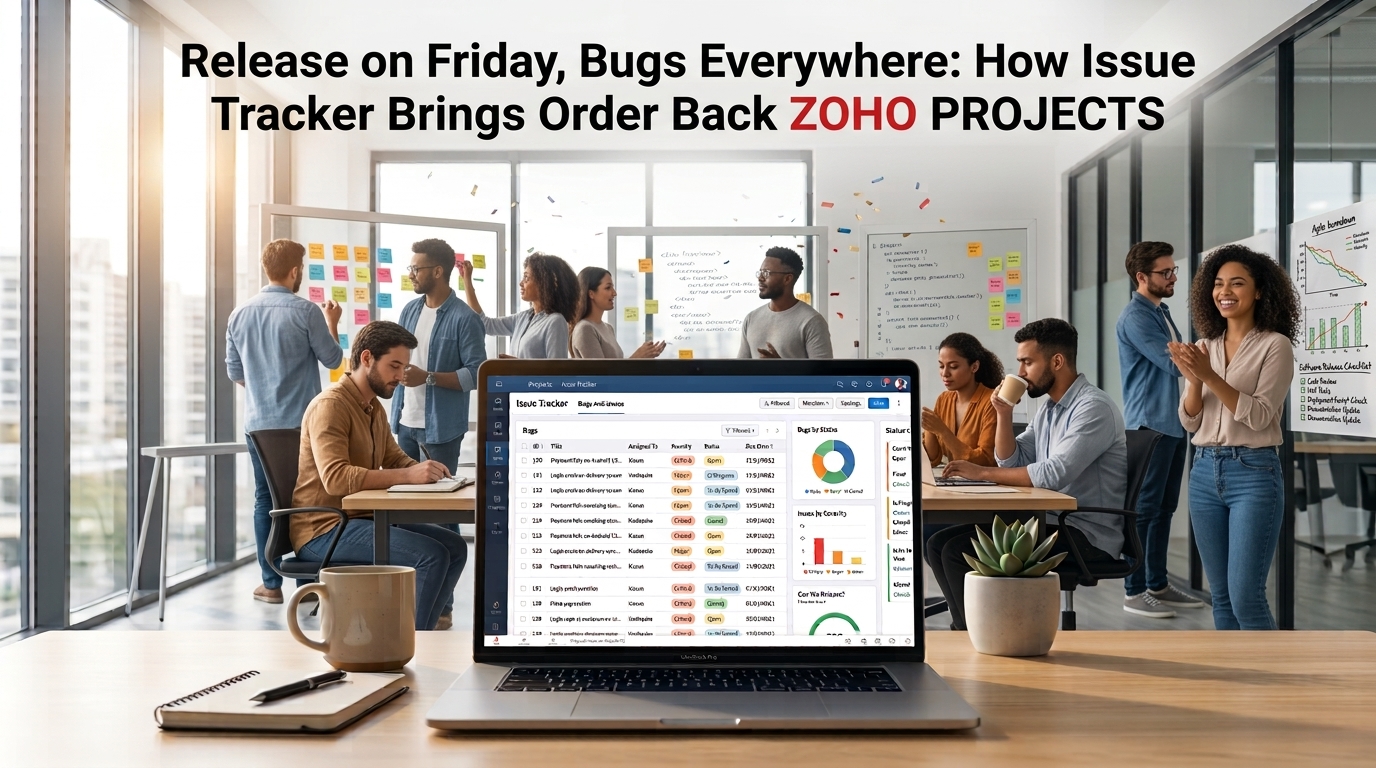
Release on Friday, Bugs Everywhere: How Issue Tracker Brings Order Back
Scattered bugs make release week stressful. See how QA and developers can log, fix and close issues in one place with Zoho Projects Issue Tracker.
 Amandi Wijesinghe
Sep 29, 2026
Amandi Wijesinghe
Sep 29, 2026
 Zoho Projects
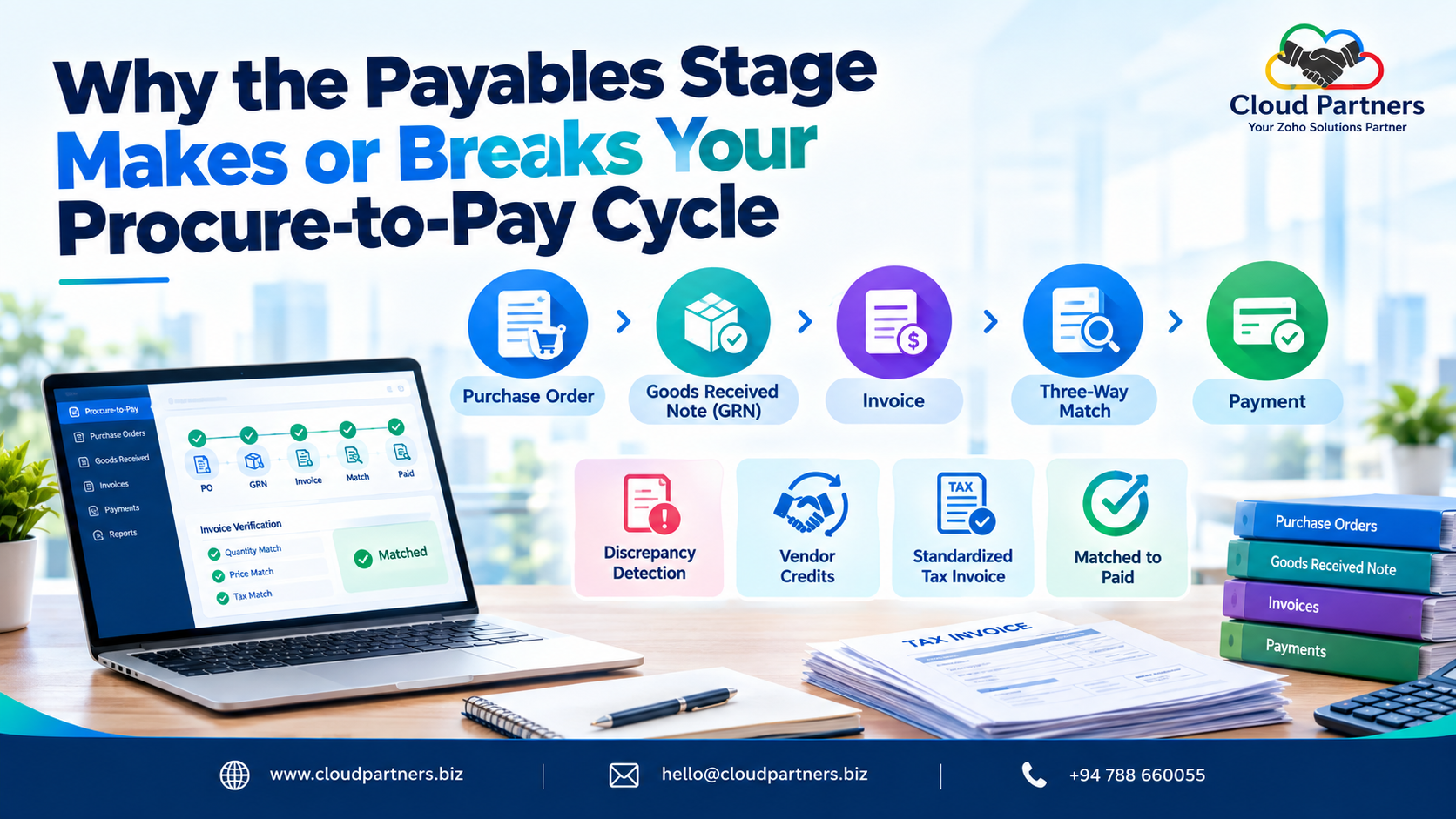
Why the Payables Stage Makes or Breaks Your Procure-to-Pay Cycle
The article argues that the Payables stage the final leg of the procure-to-pay cycle is where financial accuracy, vendor trust, and audit-readiness ac…
 Zoho Projects
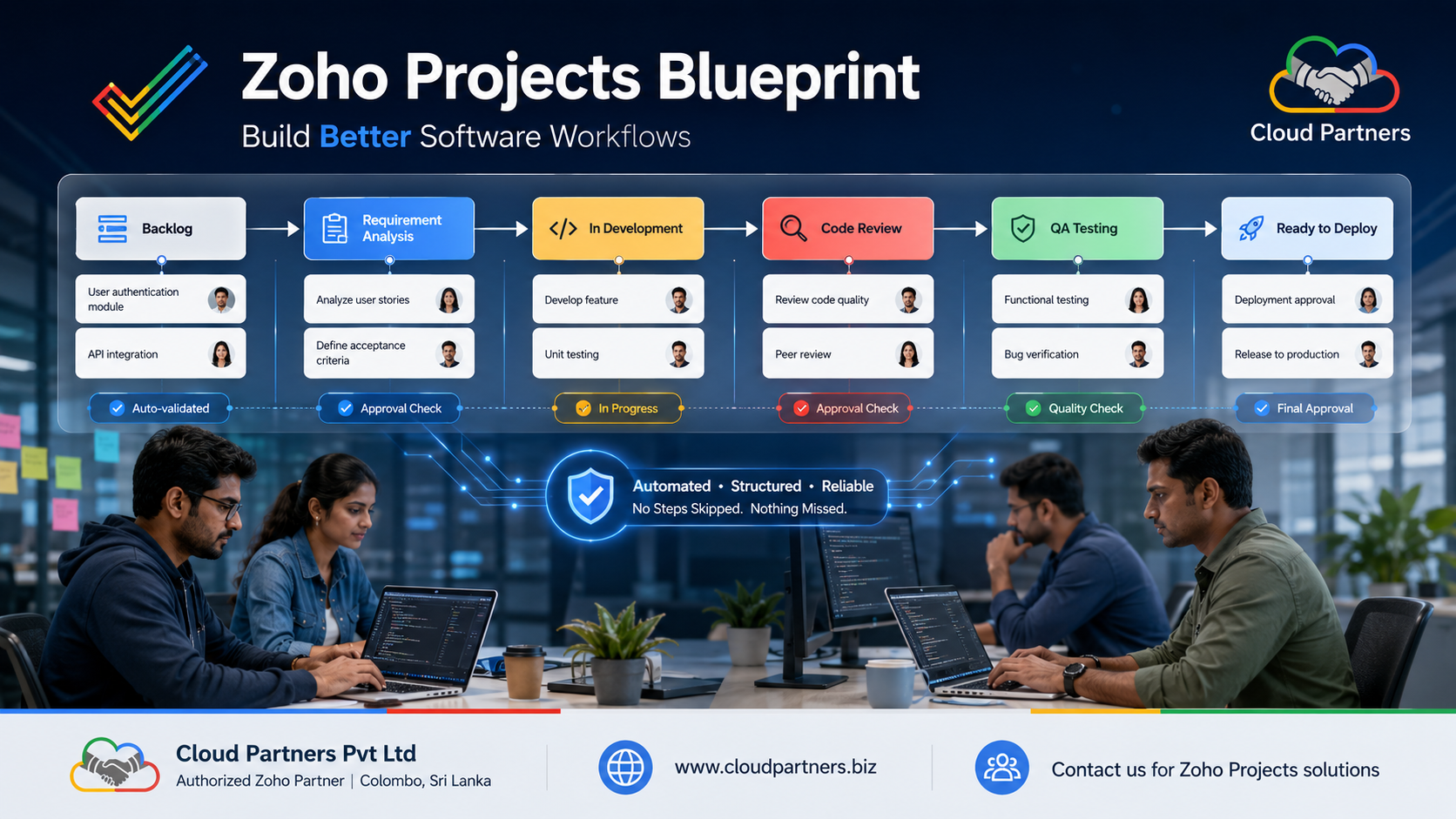
Zoho Projects Blueprint: The Feature That Stops Your Dev Process From Falling Apart
Discover how Zoho Projects Blueprint turns your team's development process into a clear, structured workflow. Automate handoffs, enforce approvals, an…
Amandi Wijesinghe
Sep 01, 2026