Setting up your accounting software correctly for Sri Lankan tax compliance is crucial. Zoho Books offers excellent flexibility for configuring local tax regulations, but it needs to be set up properly. Here's our comprehensive guide.
Step 1: Organization Settings
Start by setting your organization's fiscal year to April–March (the standard Sri Lankan financial year). Set your base currency to LKR and configure your business registration details including your TIN number.
Step 2: Tax Configuration
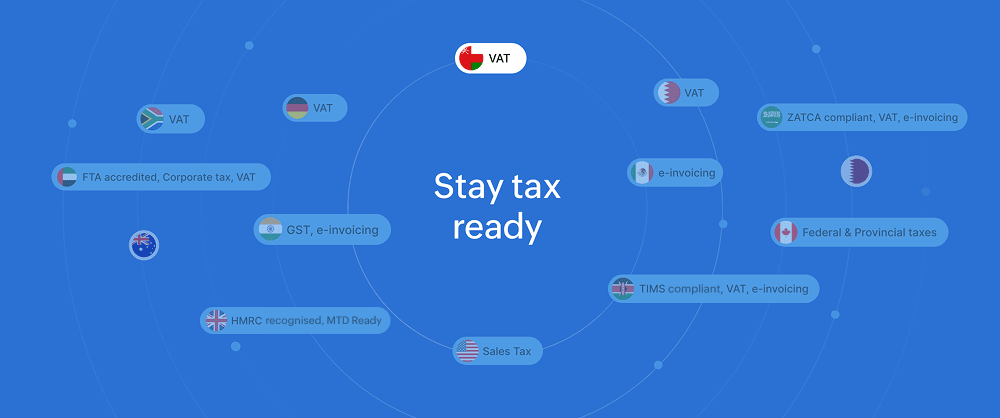
Zoho Books supports multiple tax types. For Sri Lanka, you'll need to configure:
- VAT (Value Added Tax) — Currently at the applicable rate
- SVAT (Simplified VAT) — For registered SVAT scheme participants
- WHT (Withholding Tax) — For applicable transactions
- NBT (Nation Building Tax) — If still applicable to your business
Step 3: Chart of Accounts
Customize your chart of accounts to match Sri Lankan accounting standards. We recommend following the Sri Lanka Financial Reporting Standards (SLFRS) structure for easy audit compliance.
Step 4: Invoice Templates
Configure your invoice templates to include all legally required information: your business registration number, VAT number, and the tax breakdown as required by the Inland Revenue Department.
Step 5: Bank Feeds
Connect your Sri Lankan bank accounts (Commercial Bank, HNB, Sampath, BOC, etc.) for automatic transaction imports. Zoho Books supports bank feed integration with most major Sri Lankan banks.
Need Professional Setup?
Tax compliance is not something to get wrong. Contact Cloud Partners for professional Zoho Books setup that ensures your business is fully compliant with Sri Lankan regulations from day one.